6.1.3.6.2 CMP
Function
Compare IN and VAL and output the result at OUT
LD Graphics

Parameter description
| Interface variable | Declaration | Data type | Description |
|---|---|---|---|
| ON | Var_Input | BOOL | Function input |
| IN | Var_Input | ANY_ELEMENTARY | Comparison value 1 |
| VAL | Var_Input | ANY_ELEMENTARY | Comparison value 2 |
| Return value | Function value | BOOL | Result output |
warning
- Function function can be changed by clicking on the equal sign (=) position in the graph:
- Equal to: When the ON input is 1, if IN is equal to VAL, then OUT outputs 1; otherwise, it outputs 0
- Greater than or equal to: When the ON input is 1, if IN is greater than or equal to VAL, then OUT outputs 1; otherwise, it outputs 0
- Greater than: When the ON input is 1, if IN is greater than VAL, OUT outputs 1; otherwise, it outputs 0
- Less than or equal to: When the ON input is 1, if IN is less than or equal to VAL, then OUT outputs 1; otherwise, it outputs 0
- Less than: When the ON input is 1, if IN is less than VAL, OUT outputs 1; otherwise, it outputs 0
- Not equal to: When the ON input is 1, if IN is not equal to VAL, OUT outputs 1; otherwise, it outputs 0
- ANY_ELEMENTARY contains all basic data types (bit strings, integers, floating point numbers, characters and strings, times and dates)
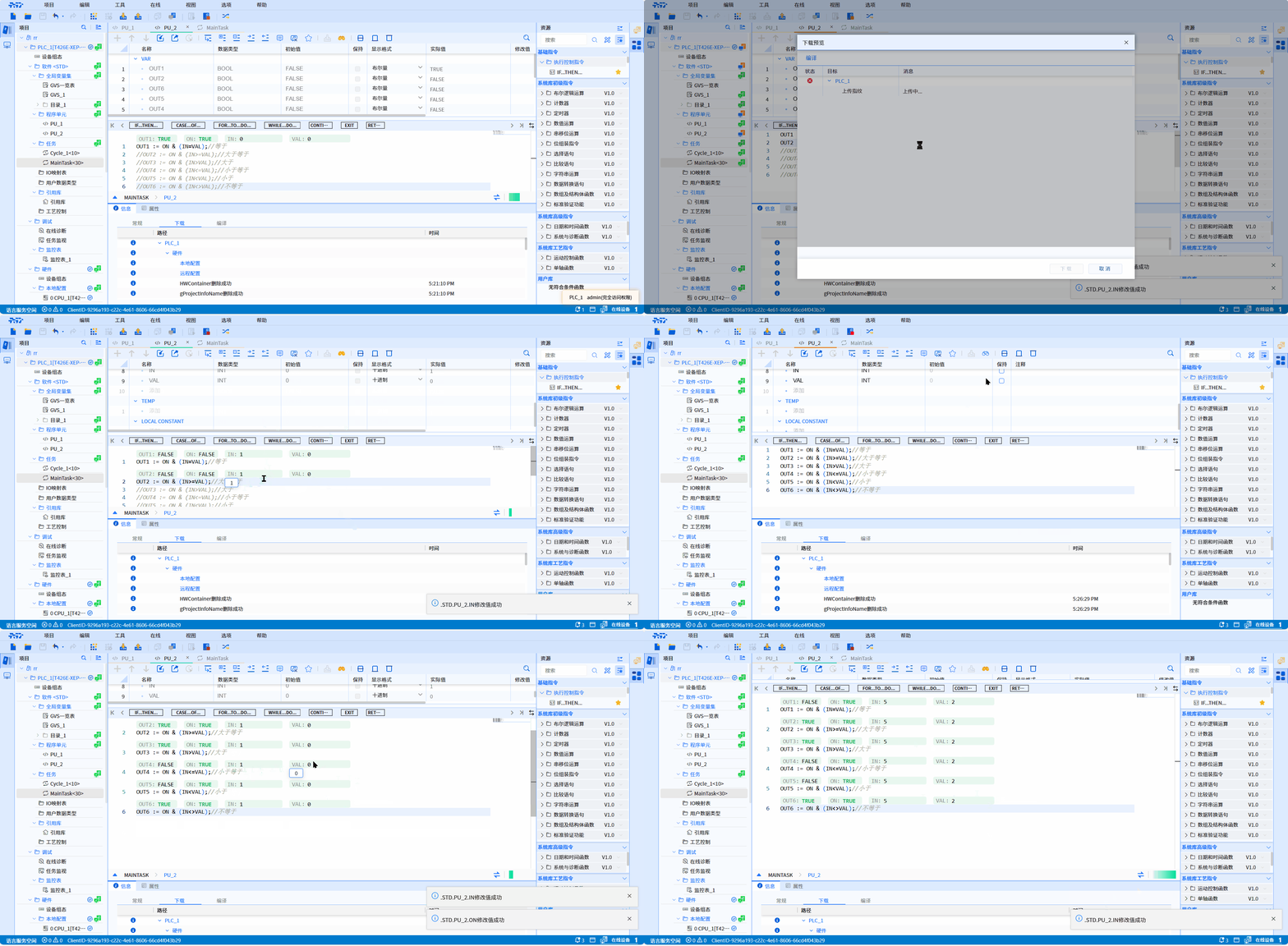
- ST language relational expression:
OUT := ON & (IN=VAL);//equal to
OUT := ON & (IN>=VAL);//Greater than or equal to
OUT := ON & (IN>VAL);//Greater than
OUT := ON & (IN<=VAL);//Less than or equal to
OUT := ON & (IN<VAL);//Less than
OUT := ON & (IN<>VAL);//not equal to
Example
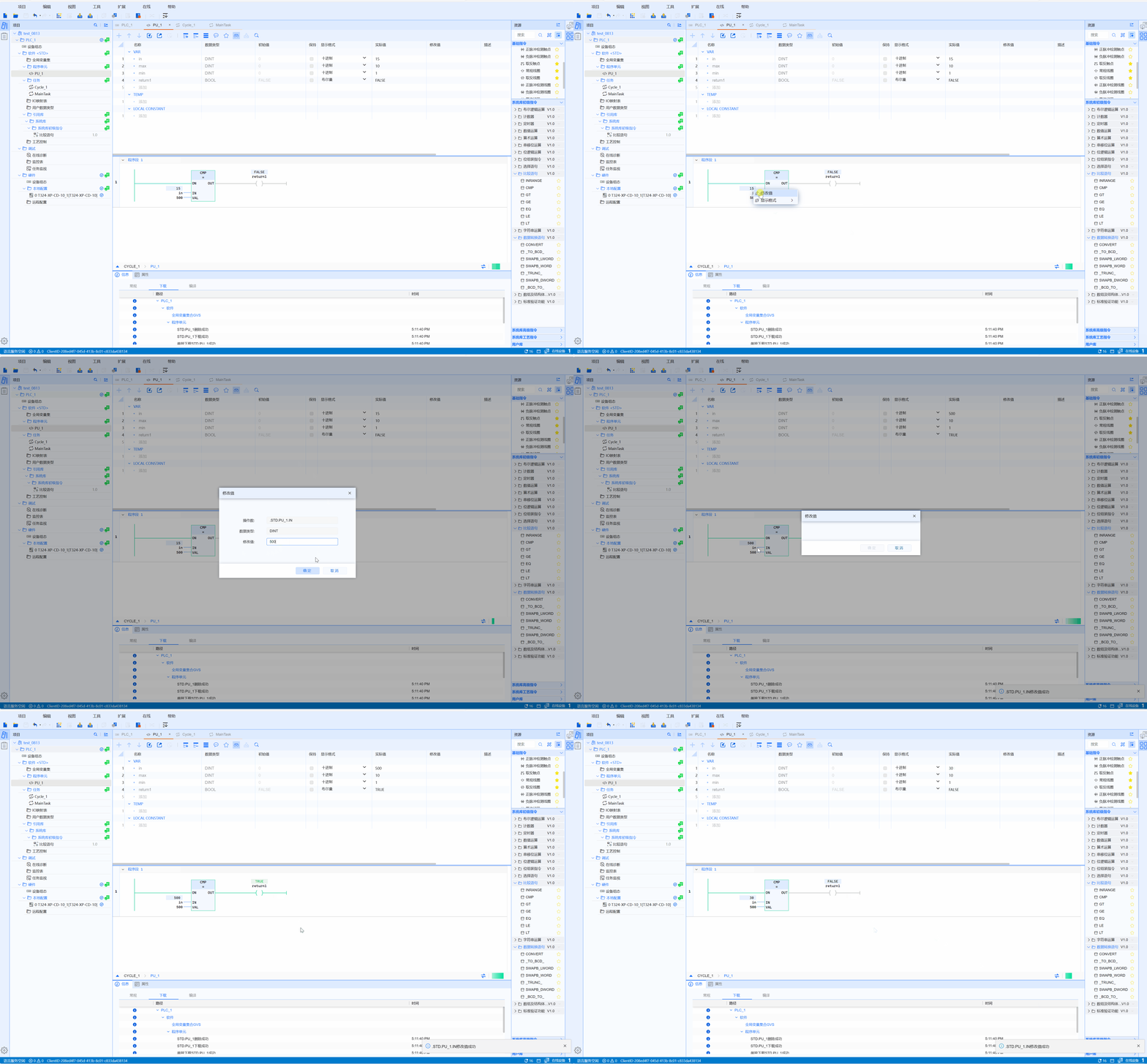
- LD sample animation is as follows:
- ST sample animation is as follows: