7.15.4 TCP_CONNECTCONFIG
TCP_CONNECTCONFIG (Configure connection parameter function block)
NOTE
- Each TCP_ConnectConfig represents a specific connection
- T3 supports a maximum of 8 TCP connections, and T4 supports a maximum of 32 TCP connections.
Function
- TCP_ConnectConfig (FB type UDT): only used to configure connection parameters
Parameter description
| Interface variable | Data type | Description |
|---|---|---|
| ActiveEstablished | BOOL | Active/passive connection flag, active ("1" or "TRUE") connection represents the client, passive ("0" or "FALSE") connection represents the server |
| RemoteAddress | ARRAY[0..3] OF BYTE | Peer's IP address |
| RemotePort | UINT | The port of the peer |
| LocalAddress | ARRAY[0..3] OF BYTE | Local IP address |
| LocalPort | UINT | Local port number |
| SendDelayOpt | BOOL | Whether to disable the TCP packet sending delay mechanism (Nagle algorithm); The default is false, which is not turned off to ensure the reliability of data transmission, but real-time performance cannot be guaranteed; Set to true, turn off the mechanism, The frequency of packet sending can be increased to ensure the real-time nature of data transmission, but reliability cannot be guaranteed; |
| KeepAliveTimeInterval | UNIT | Keep-alive message sending time interval, unit is seconds (s); The time interval can be set according to the actual scenario. After the physical layer is disconnected, a sending or receiving action will be performed after 3*KeepAliveTimeInterval time The system can recognize that the connection is disconnected; The default is 0, which means the system settings are used. The system defaults to KeepAliveTimeInterval=10s; |
- The TCP _ConnectConfig function block is only used for users to configure the corresponding ip address and port number. The meaning of each parameter is as follows:
- Parameter ActiveEstablished: Indicates whether the current connection is active connection or passive connection mode. Active connection means that the current PLC will establish a TCP client, and passive connection means that the current PLC will establish a TCP server.
- Parameters RemoteAddress and RemotePort: expressed as the IP address and port number of the peer that needs to establish a connection with the PLC
- Parameters LocalAddress and LocalPort: expressed as the actual IP address of the current PLC and the port number that needs to be bound
- Parameter SendDelayOpt: used to control whether to turn off the TCP packet delay mechanism
- Parameter KeepAliveTimeIterval: used to set the time interval of the Keep-alive mechanism at the system layer, in seconds
Precautions for use
warning
- The parameter ActiveEstablished is only used in the TCP connection establishment process. The sending/receiving data process supports duplex mode, and there is no need to distinguish between active connections and passive connections.
- The parameter LocalAddress cannot be 0.0.0.0 when setting the IP, and the current PLC network port corresponding to the IP address must be the Ethernet protocol and cannot be the EC protocol or other protocols.
- The parameter LocalPort cannot be 0 when used. At the same time, in order to avoid port number collision errors, the recommended range is 2000~5000
- If the parameters are filled in incorrectly, when verifying the information, it will be found that the information is incorrect, which will result in the connection not being successfully established.
- You can configure the parameter SendDelayOpt according to the actual scene requirements. You can not set this parameter and use the system default configuration, that is, SendDelayOpt=false, and do not turn off the Nagle algorithm
- You can configure the parameter KeepAliveTimeInterval according to the actual scenario requirements. You do not need to set this parameter, that is, KeepAliveTimeInterval=0. In this case, the system default configuration will be used; the Linux operating system stipulates that the system-level Keep-alive mechanism is only used when there is no data. transmission time The first keep-alive message will be sent after a KeepAliveTimeInterval. If the current actual scenario requires frequent data transmission, the system-level keep-alive mechanism will not take effect at this time. It is recommended that you use frequent data transmission scenarios. Next, write the heartbeat message of the application layer to detect whether the network is normal
-
If ActiveEstablished = true, it indicates that the current PLC connection is a TCP client
- You are required to fill in the corresponding client and server parameter information based on the actual IP address and port number of the PLC.
- Please note that neither remoteAddress nor RemotePort can be 0, otherwise the connection cannot be established (an error will occur)
- Please note that LocalPort=0, the system will automatically assign a random port number to be bound to the connection. It is recommended to use a non-0 port number to prevent the port automatically assigned by the system from conflicting with the fixed port used by other services, thereby affecting Features of other services
-
If ActiveEstablished = false, it indicates that the current PLC connection is a TCP server
- You are required to fill in the corresponding client and server parameter information based on the actual IP address and port number of the PLC.
- Please note that neither LocalAddress nor LocalPort can be 0, otherwise the peer client will not be able to establish a connection because it cannot know the port number of the server.
RemoteAddress RemotePort Connection status 0 ≠0 Allows connections from any IP address, but will verify the port number. If the ports are not equal, the connection will be rejected ≠0 0 The port number will not be verified, but the IP of the connection initiator will be verified. If the IP addresses are not equal, the connection will be refused 0 0 Both IP address and port number will not be verified, however, only one connection request will be accepted, and other connection requests will be rejected
Example
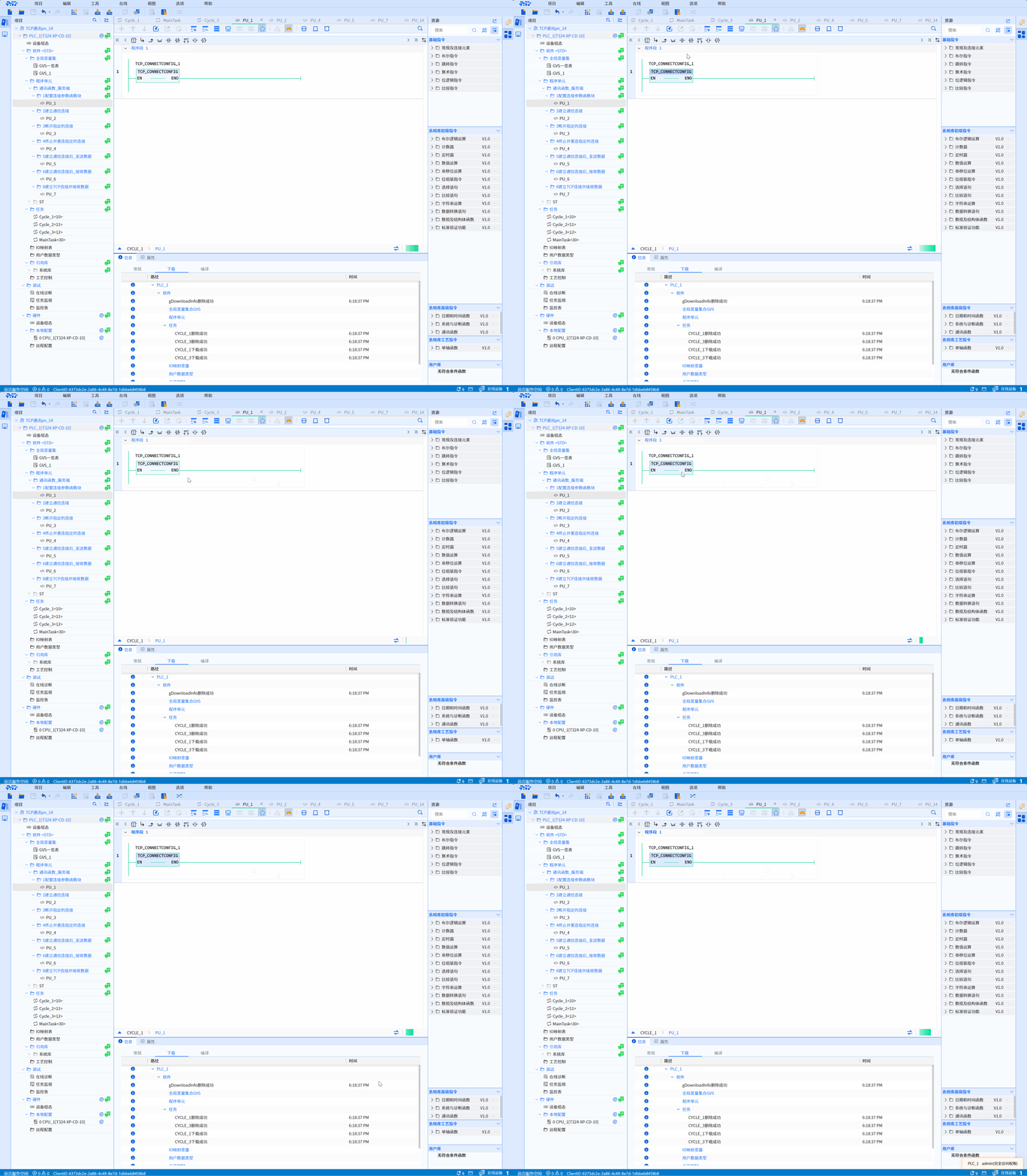
- LD example is shown in the following animation:
- ST example is shown in the following code:
TCP_CONNECTCONFIG_1();