14.1 BaoskyIDE Connection Failure After Upgrade Due to Version Mismatch
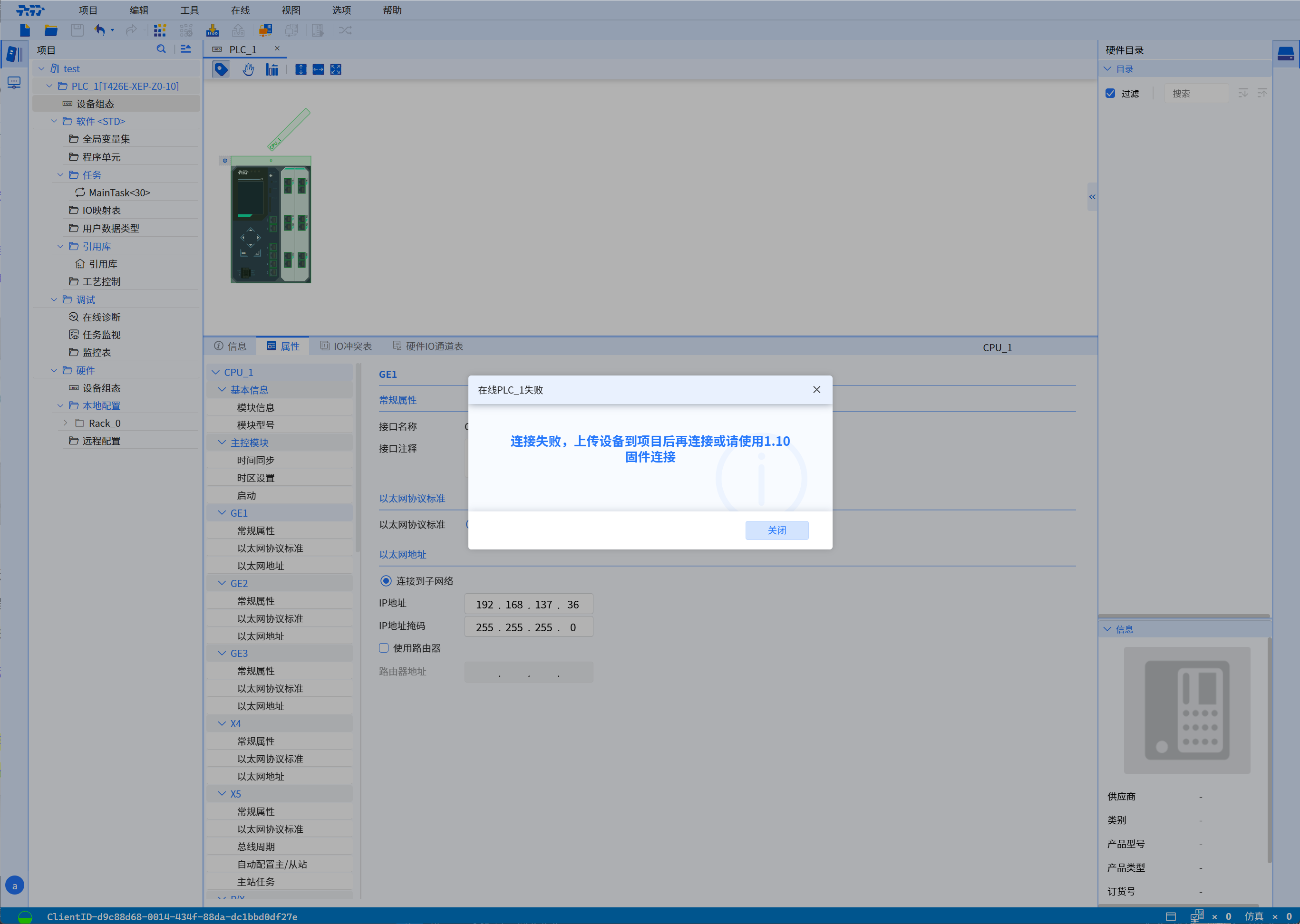
14.1.1 Phenomenon
- "Connection failed. Upload the device to the project before connecting or use firmware version 1.00" or "Connection failed. Upload the device to the project before connecting or use firmware version 1.10"
14.1.2 Cause
- PLCs upgraded to firmware v1.1 can run programs containing either v1.0 or v1.1 CPU firmware. This error occurs when attempting online connection or download due to firmware version mismatch between the upper and lower-level machines.
- The error message shown indicates that the PLC is running firmware v1.00, while the project attempting connection uses a different firmware version.
- Resolution for re-download: First connect to the PLC, perform a user program reset, then download the target project.
14.1.3 Solution (Example: Connecting a New v1.00 Firmware Device)
- Create a new device with the same CPU firmware version as the PLC (e.g., v1.0 for the above error):
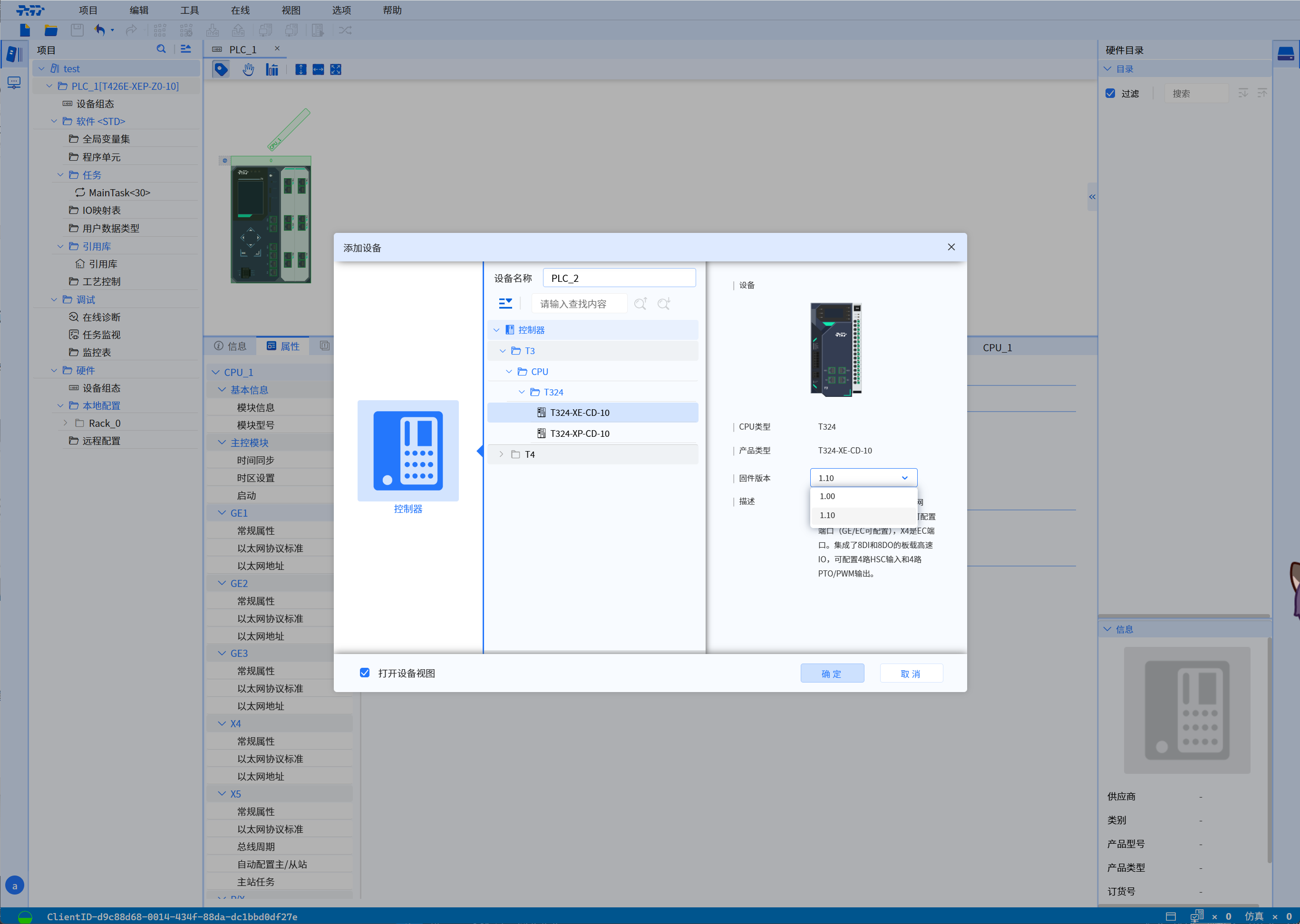
- Use this new device to go online with the PLC.
- Double-click Online Diagnostics in the project tree.
- Select User Program Reset, click the reset button, and wait for completion.
- Go offline and delete the newly created device.
- The original program can now connect and download normally.
warning
Note: Simulators may also encounter version conflicts. Reset the simulator before downloading.