3.2 Project Comparison
- Comparison type
- Offline/online comparison
-
Compare objects in the project with objects in the corresponding online device. Compare must establish an online connection to the device
-
- Offline/online comparison
3.2.1 Program comparison
-
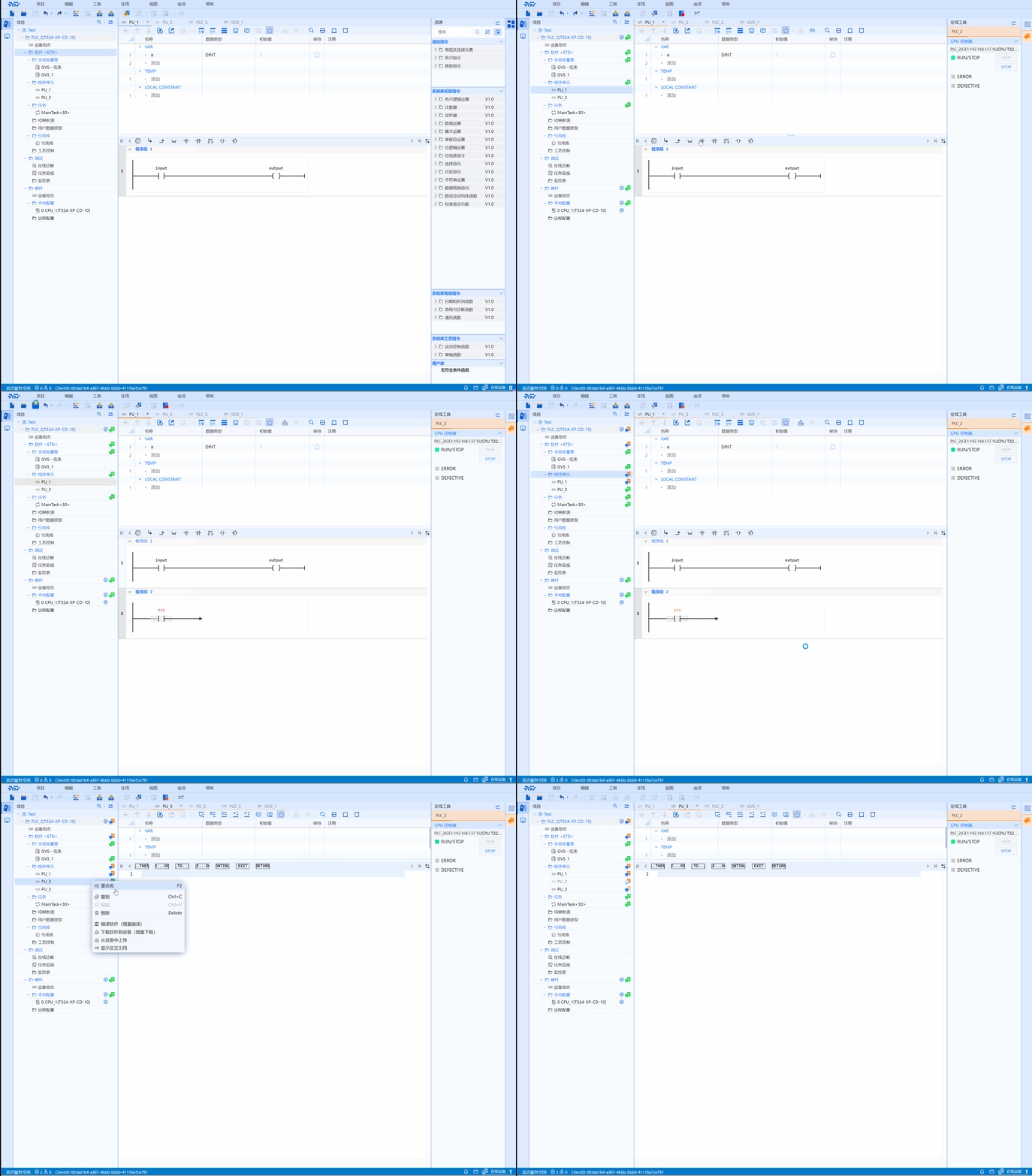
After the settings are completed, click "Online" in the task box of the project page to display the program comparison
-
After changing parameters and saving the project, you can observe that the status of the current unit has changed. Click the Upload to Software icon in the task box to update the status
| Icon | Description |
|---|---|
 | The upper and lower computers are consistent |
 | The upper and lower computers are inconsistent |
 | Only exists on the upper computer |
 | Only exists on the lower computer |
3.2.2 Program comparison operation video