3.8 PLCopen
info
- Baosky IDE supports the PLCOPEN protocol, which supports exporting and importing the source code of the software part of the project in the form of PLCOPEN, of which the following parts are supported
- GVS/NGVS
- PRG/FB/FC
- UDT
Import PLCopen
- Select the PLC node that needs to be imported, click Project - Import PLCopen File, select the file that needs to be imported and click the OK button.
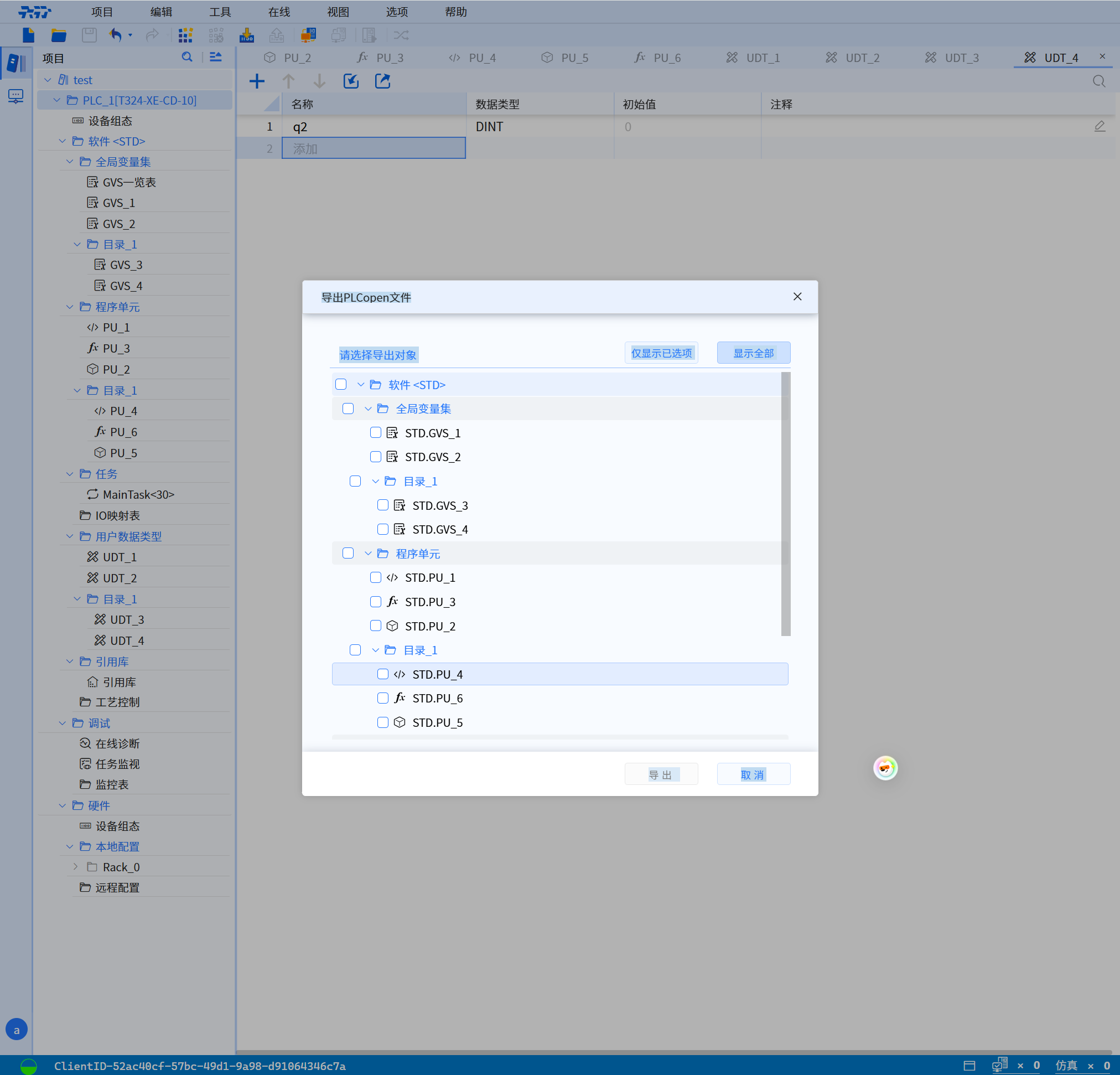
Export PLCopen
- Select the PLC node that needs to be exported, click Project - Export PLCopen File, select the file that needs to be exported and click the OK button.
warning
PLCopen import operation is not allowed when PLC is online.