4.8 Reference Library
4.8.1 Adding Reference Libraries
Steps to Add Reference Libraries
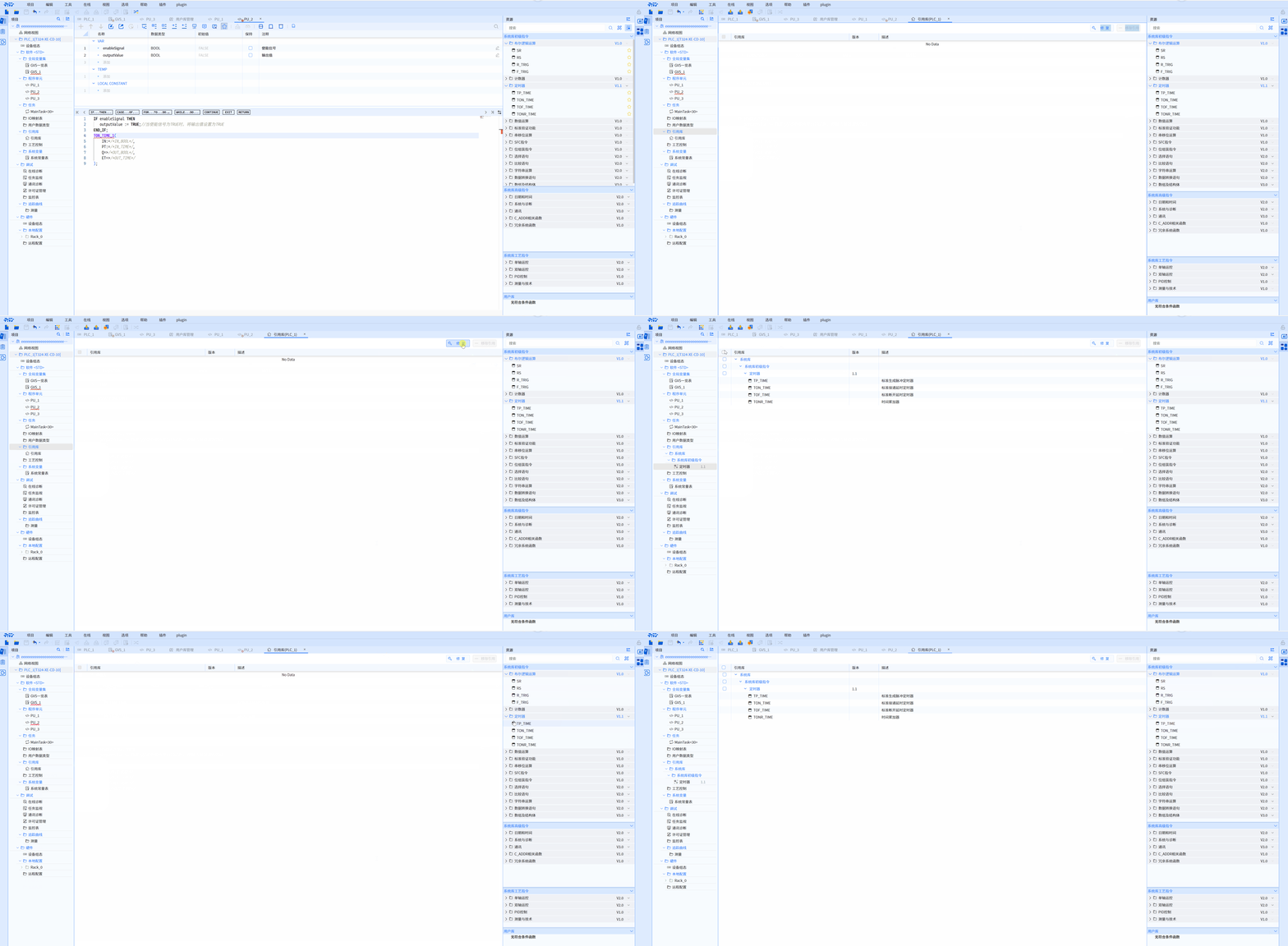
- Right-click the project tree and select Reference Library
- Choose Open Reference Library to launch the Reference Library window
- Click the Resource Pane button on the right
- Drag the desired reference library commands into the Reference Library window
4.8.2 Repairing Reference Libraries
Two Methods for Repairing Reference Libraries
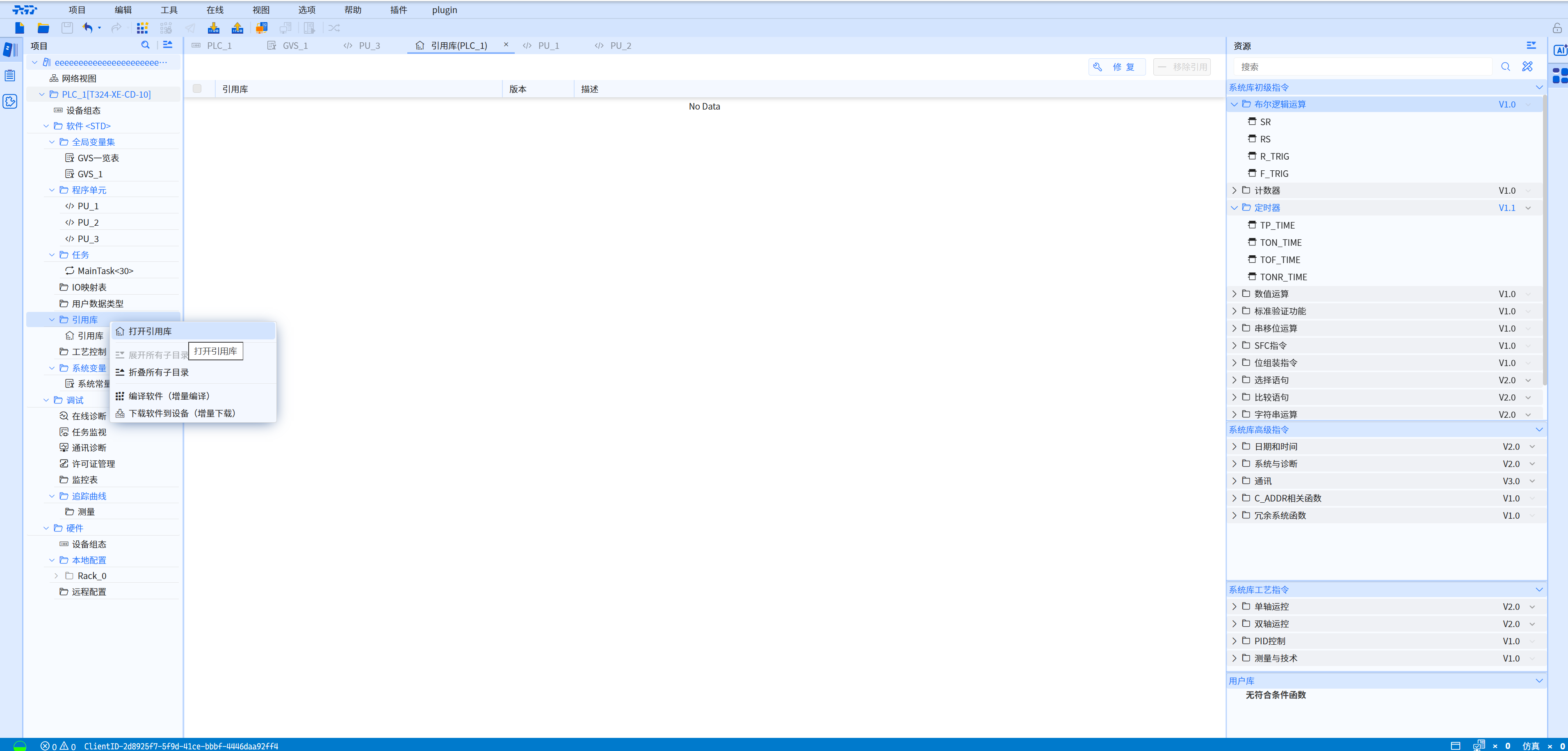
- In the Reference Library window, click the Repair button
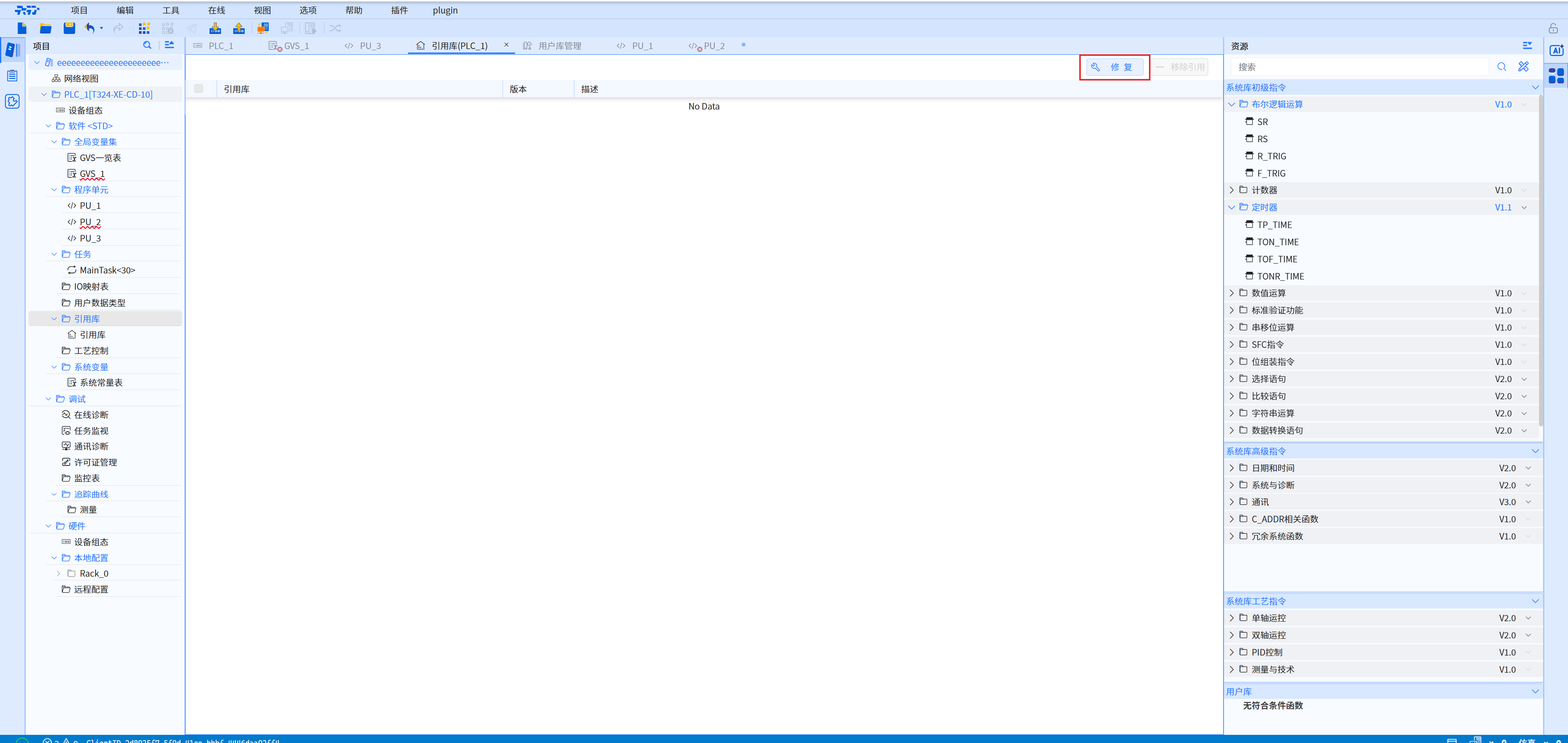
- Click Tools in the menu bar, then select Repair Missing Reference Libraries.
4.8.3 Removing Reference Libraries
Steps to Remove Reference Libraries
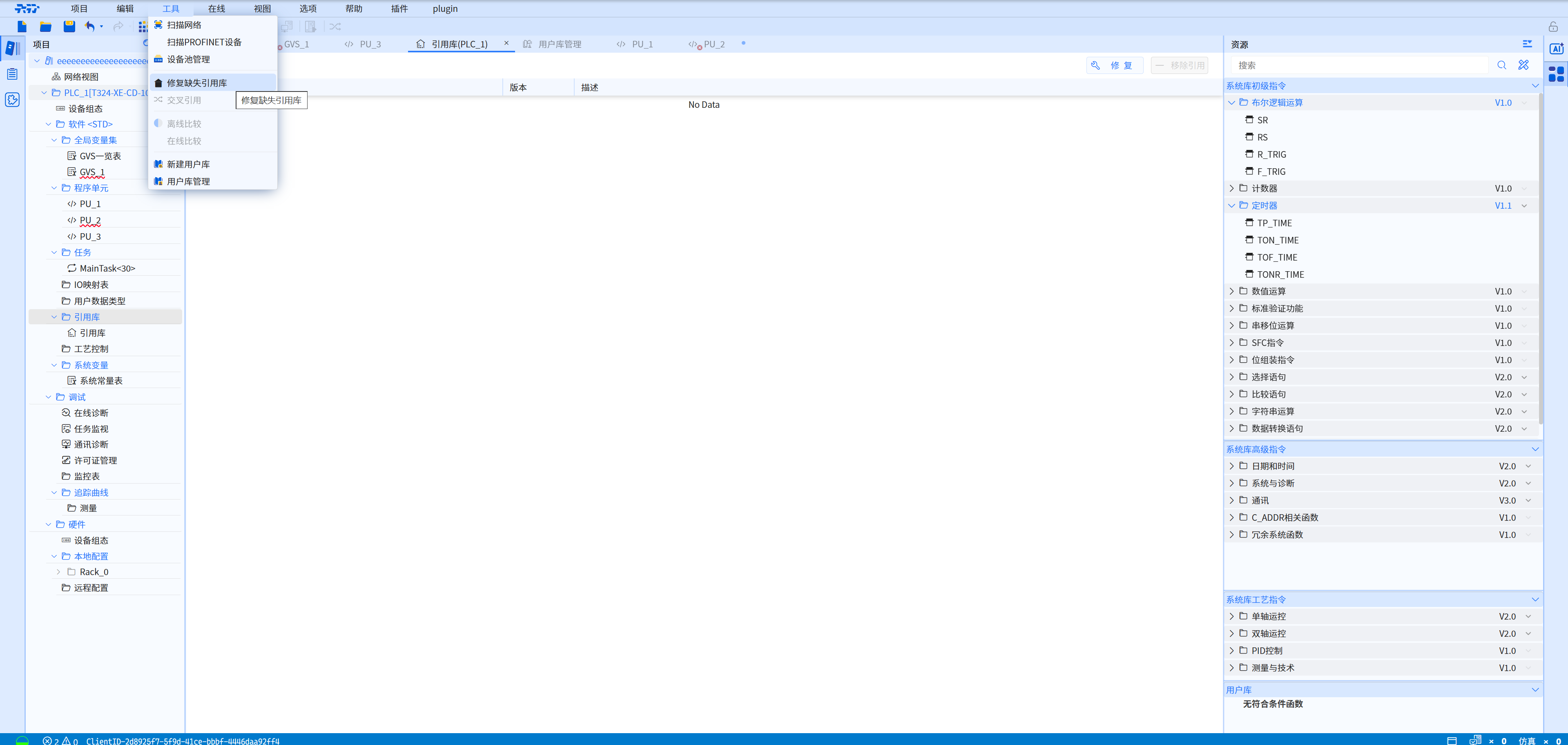
- Check the reference library directives to be removed
- Click the Remove Reference button in the upper-right corner of the Reference Library window to remove the selected directives
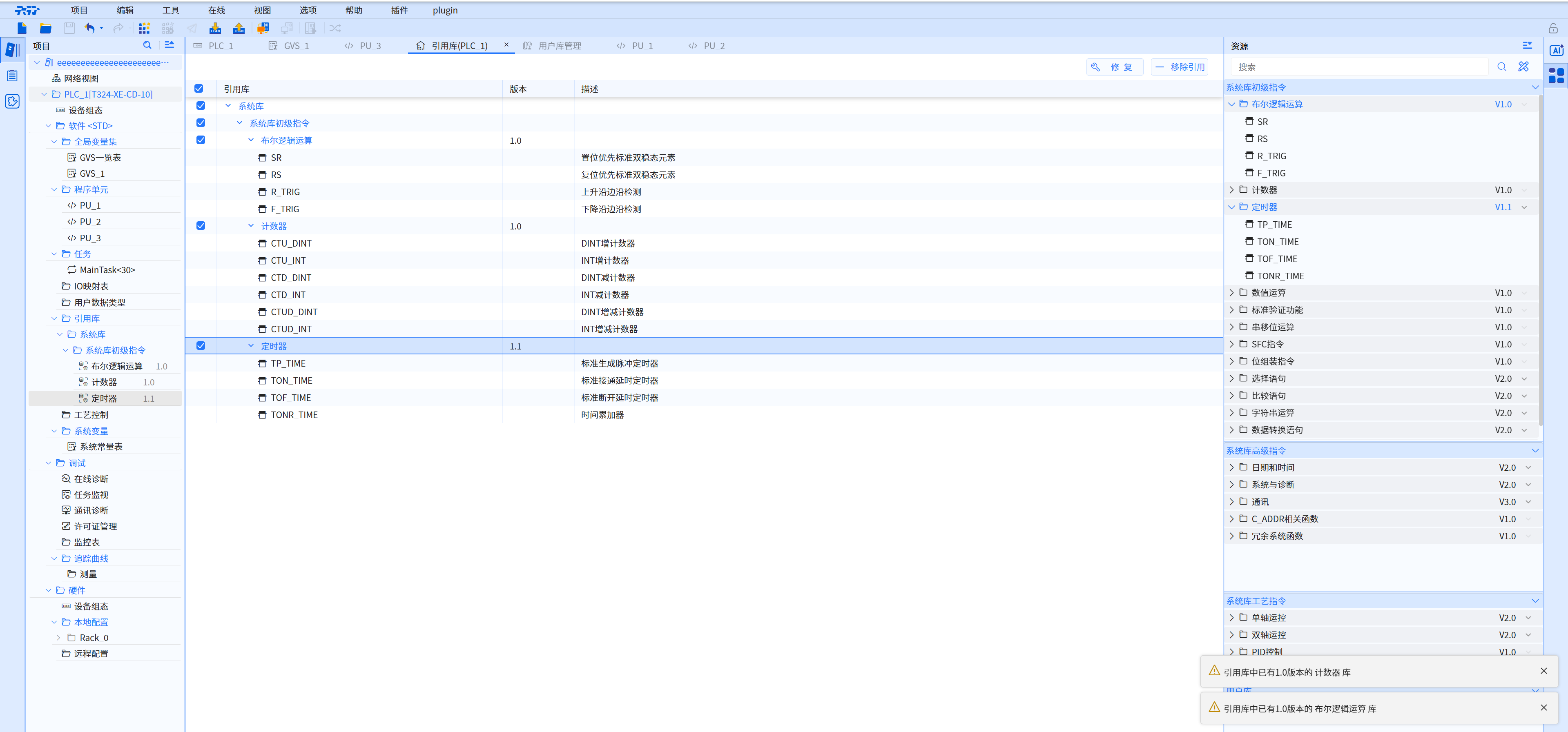
Example: Remove reference library command