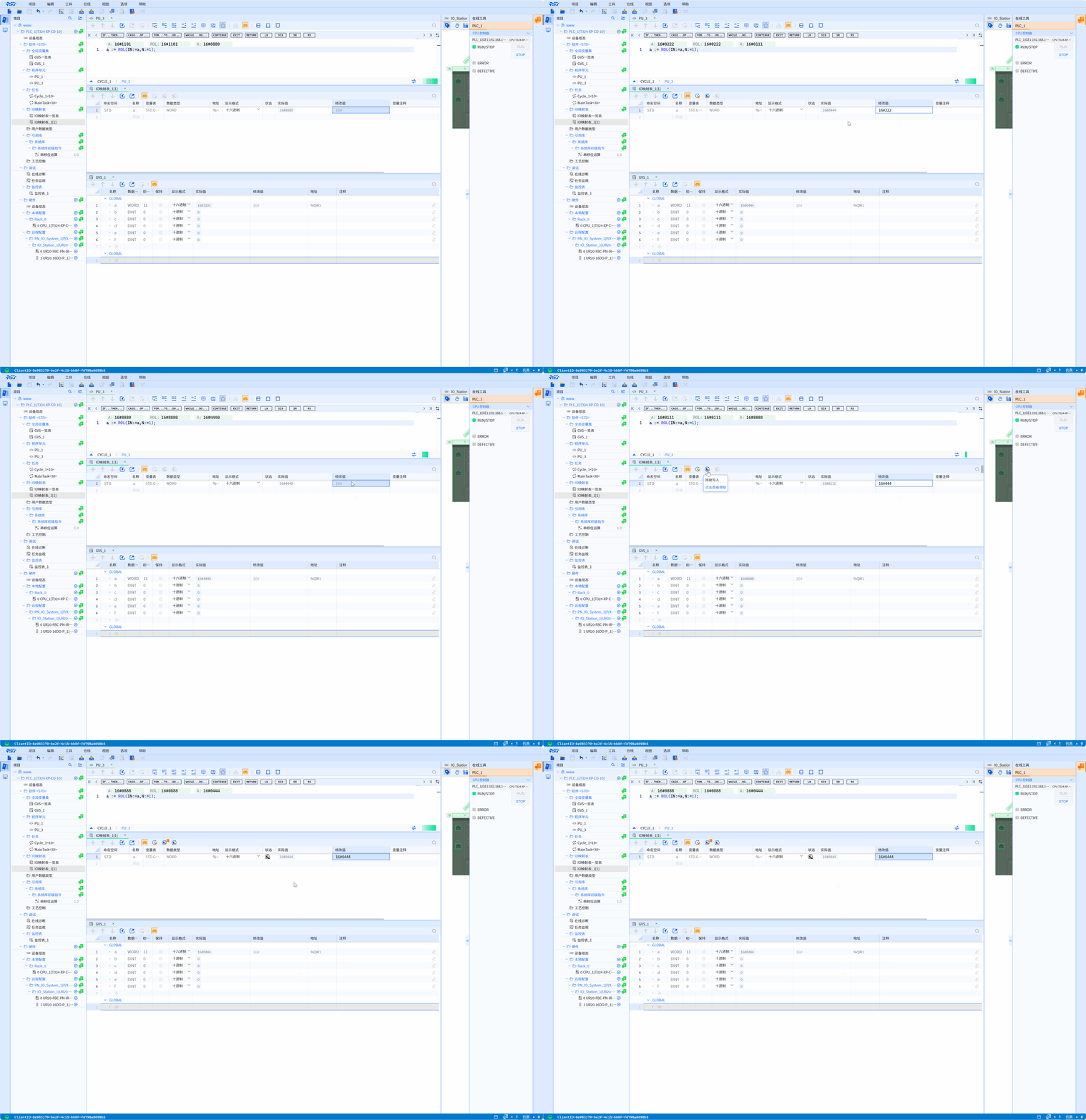
4.7 Monitor
-
After online, the orange and green underlines here represent different meanings
- The orange underline indicates that the PLC of the object is online (when the PLC is online, the task PU or GVS will display orange)
- Green underline indicates that the object is under online monitoring
-
One PLC allows up to 8 PUs to be monitored online at the same time
4.7.1 Global variable table
INOUT member variables of FB instances cannot be expanded and monitored in the GVS table
4.7.1.1 GVS table online monitoring
The GVS table online and offline procedures are completely consistent (The project tree is explicitly consistent and there are no precompilation errors)
-
Monitor variables in GVS
- This function can display the current value of each variable in the current GVS table on the PG/PC. Online data refresh cycle: 200ms
-
Modify variables in GVS
- Continuous writing is not allowed, only one write is supported
4.7.2 Program Unit
4.7.2.1 Variable online monitoring default data display type
-
Monitor function block instance
- When monitoring IN and OUT variables, the output is the value of the indirect reference. Click "+" to expand it and user can see the specific values of all variables in the function block instance
-
Monitor array variables
- In addition to array components indexed by constants, components indexed by variables can also be displayed
4.7.2.2 Program unit online monitoring
(a). Implement function
- Display the calling path of the module based on the location when the file is opened
-
The logical body of the program, if it is an ST program, displays the actual online value of the variable in the line above each line of code
-
In the logical body of the program, select the variable and right-click the shortcut menu. user can choose to modify the variable value online and modify the display format of the actual value of the variable
-
Online data refresh cycle: 200ms
Global variables monitored online by the program unit can be modified by right-clicking (write once). However, when the data types of the upper and lower computers are inconsistent, the value cannot be modified
- When there are several different instances of FB, you can select the desired instance for real-time monitoring as shown below
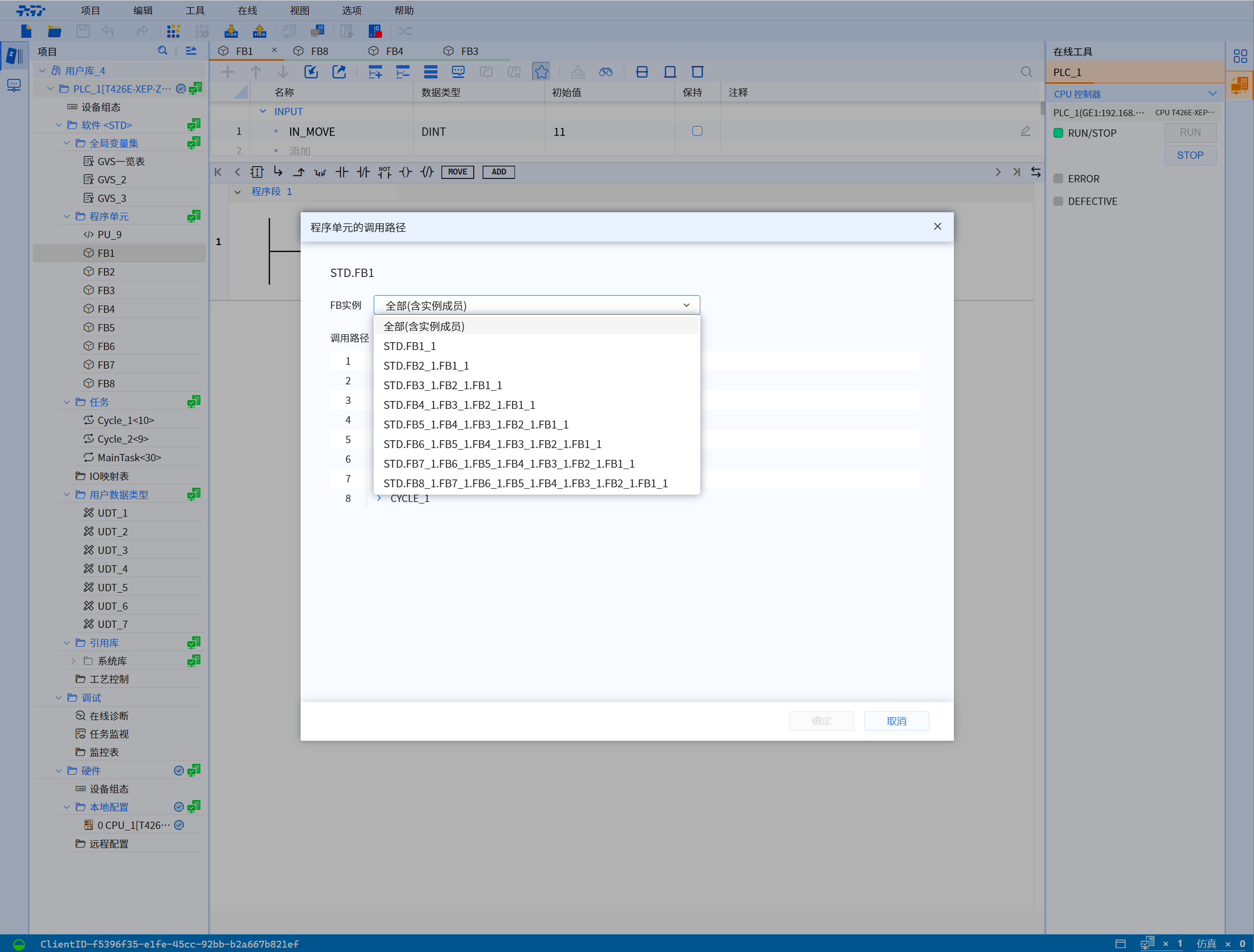
- FB/FC performs real-time monitoring based on the calling path of the module
- PUs that cannot be monitored online include:
- System library functions and system library function blocks
- The PU called in a loop statement; if this PU is also called in a non-loop statement, according to the path selection, only the call in the non-loop statement can be monitored
4.7.3 IO mapping table
4.7.3.1 I/O mapping table online monitoring
The I/O mapping table is completely consistent between online and offline programs (The project tree is explicitly consistent and there are no precompilation errors)
-
Monitor GVS variables of I/O mapping
- This function can display the current value of each GVS variable in the current I/O variable mapping table on the PG/PC
-
Write I/O mapped GVS variables
- Through this function, fixed values can be assigned to each GVS variable in each I/O variable mapping table of the user program
-
WORD variable a, cyclic left shift 1 bit, IO mapping table output as follows
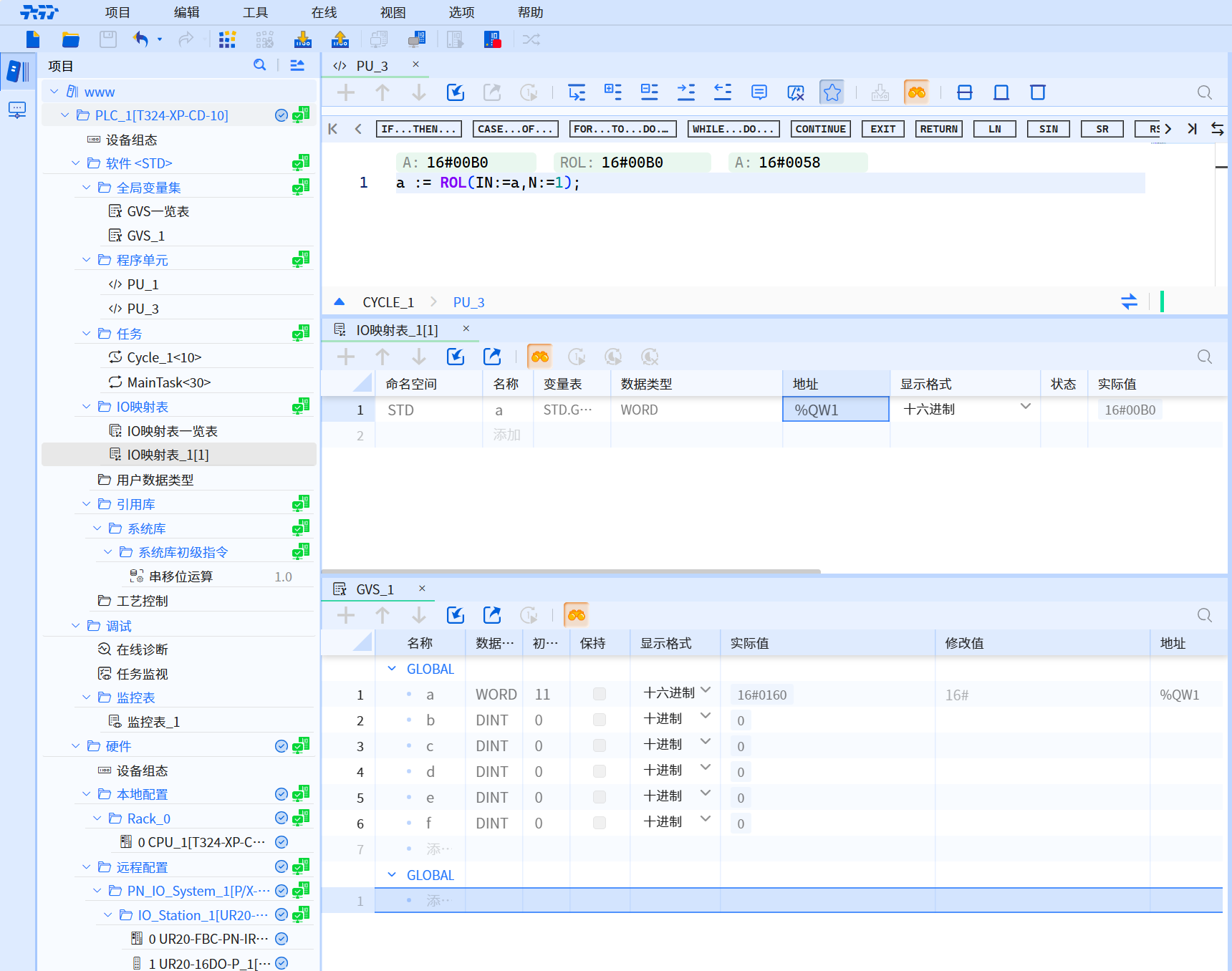
4.7.3.2 Monitor GVS variables in the mapping table
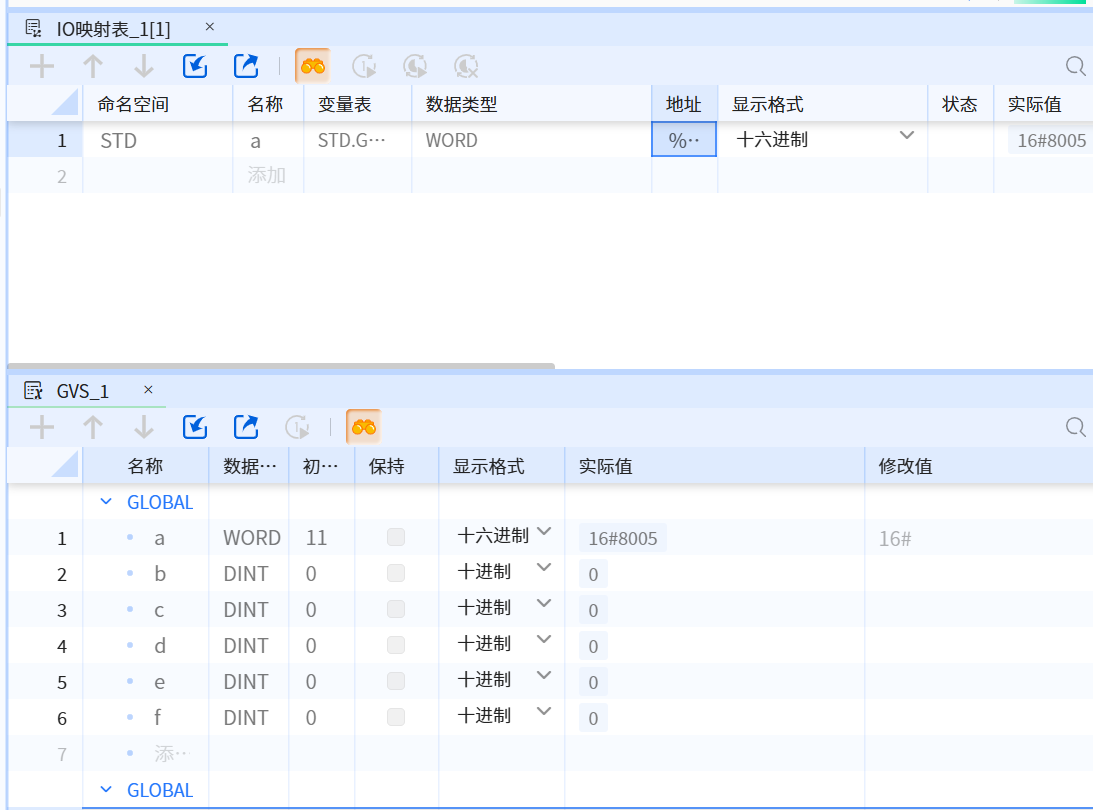
Monitor variables
When monitoring: Monitor the input at the end of the cycle and monitor the output at the beginning of the cycle
Online data refresh cycle: 200ms
Show in the figure below:
4.7.3.3 Write GVS variable in the mapping table
The GVS variables can be written “once” or “continuously” as shown in the video below